Logging and security guardrails
Think about the moment a customer’s security team sends you a questionnaire, or something breaks at 2 a.m. and you need to know who changed what. The work here is making sure the evidence already exists when that moment arrives, instead of discovering you logged nothing.
Enable AWS CloudTrail for audit logging across your accounts. It records the API calls made in your environment, which is your answer to "who did this and when." Turn on Amazon GuardDuty for threat detection. Once enabled, GuardDuty uses threat intelligence and machine learning to flag things like compromised credentials. AWS says it automatically ingests CloudTrail events, VPC flow logs, and DNS logs, with nothing else to configure. Keep your resources in private subnets by default, so databases and internal services aren’t sitting on the public internet waiting to be probed.
This pays off the first time you sell to a customer who cares about security. When their questionnaire asks whether you log access and monitor for threats, the answer is yes, and you can show it. These two services are part of the same security baseline AWS best practices lists for production accounts, alongside the root and MFA work you already did. You don’t need a full security engineering program yet. You need the evidence to exist and the obvious doors closed.
When an AWS landing zone is worth it
Here’s the question you keep circling: do you need a full AWS landing zone now, or is that enterprise overkill for a team of three?
Before deciding, it helps to know what these two services actually do, since the terms are often used interchangeably.
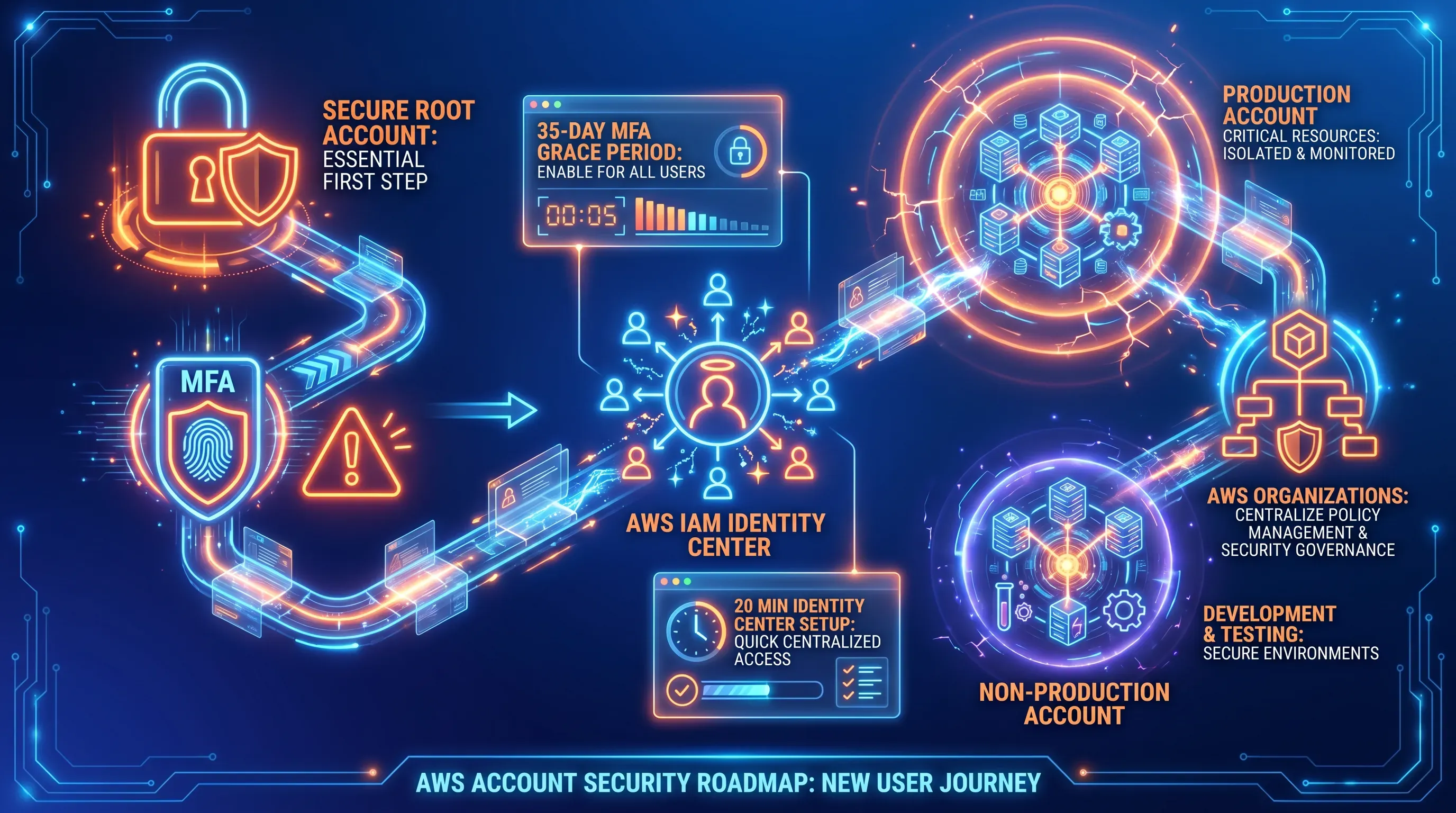
AWS Organizations handles account structure and consolidated billing. It is the mechanism that lets you create and group accounts, apply basic policies, and see one combined bill. You set this up on Day 1.
AWS Control Tower builds a managed landing zone on top of Organizations. It adds guardrails, centralized logging, governance automation, and a pre-configured account structure based on AWS best practices. It is the packaged, automated version of the foundation you would otherwise wire together by hand.
An AWS landing zone is a pre-built, governed multi-account environment set up through AWS Control Tower, and it automates the account structure plus centralized identity, with logging and governance rules you’d otherwise wire together by hand. It’s the packaged version of the foundation you just built manually.
Control Tower sets up an AWS landing zone around AWS best practices based on multi-account best practices, with preventive guardrails through service control policies and detective ones through AWS Config. That’s genuinely useful, and it’s also more machinery than a three-person team needs to maintain on Day 1.
Skip the AWS landing zone for now if your situation looks like this:
-
A tiny team with one or two engineers
-
Low monthly spend and a handful of workloads
-
Still learning your way around AWS day to day
Reach for an AWS landing zone when real problems show up:
-
A compliance requirement like SOC 2 lands because a customer demands it
-
Headcount and the number of separate workloads are both climbing
-
You’re approaching a funding round and want governance in place before diligence
Decide based on the problems you actually have instead of the fear of doing it wrong. The hand-rolled foundation from earlier in this article covers a small team well, and when complexity catches up, the AWS landing zone is there. Control Tower is built precisely for multi-account environments, so adoption belongs at the point when your needs justify it.
Growing the foundation toward Series A
The lean setup is a starting point and it grows by addition while the original foundation stays in place. That’s the payoff of getting Day 1 right: nothing you built gets thrown away, you just bolt on the next piece when a real problem asks for it.
The progression follows your milestones. Your first hires push you onto IAM Identity Center groups so access stays clean as the team grows. Your first enterprise customer, and the security questionnaire that comes with them, makes the case for tighter controls. A new workload, like a data pipeline or a separate API, earns its own account under Organizations. As accounts multiply, you group them into organizational units and add service control policies as guardrails, the same preventive and detective controls a landing zone would give you. When the count and the governance load justify it, you formalize the whole thing into an AWS landing zone through Control Tower.
Common mistakes worth avoiding before you get there:
-
Using the root user for daily work. It bypasses every permission boundary you set. Secure it once and leave it alone.
-
Registering the AWS root account to a personal founder email. If that person leaves or loses access, account recovery becomes a support ticket that can take days.
-
Mixing production and testing in one account. A wrong command in staging can reach the database your customers depend on. The separation is the protection.
-
Creating IAM users with static access keys for engineers. Keys get pasted into config files, forgotten, and eventually leaked. IAM Identity Center exists to prevent exactly this.
-
Ignoring budgets until the first large bill arrives. By then the damage is done and the cause can be hard to trace. Budget alerts cost nothing and take minutes.
-
Exposing databases or internal services publicly. Resources should live in private subnets by default. Public exposure should require a deliberate, documented decision.
-
Not enabling CloudTrail from the beginning. Without it, you have no answer to "who changed this and when" — either for a security incident or a customer questionnaire.
AWS Organizations is what makes this incremental, since it provides the underlying infrastructure to customize your environment as you go. Add one thing at a time, only when a concrete problem appears. A compliance need or a new workload is a reason to act, and so is a hire. A blog post telling you to add complexity is not.
Getting it right without a platform team
Even this lean foundation is a meaningful amount of careful work because its real job is shipping product, and the small mistakes compound. The through-line of this article holds: a deliberate, minimal Day-1 setup beats both reckless speed and premature enterprise complexity.
ABS Technologies sets up this foundation correctly and quickly, from the account structure and identity through cost and logging guardrails, so your engineers stay on the product. If you’d rather hand off the setup than learn it the hard way, that’s the cleanest answer to what’s the right way to set up AWS for startups. Reach out for a short consultation to get your Day-1 blueprint in place.