Overview
We will move from core infrastructure clouds to specialized data, integration, and security services, explaining why each category matters and when to use it. Along the way, you will see live statistics, real-world examples, and a concise checklist that turns theory into action. By the end, you will know how to build a lean, resilient tech stack without wasting time on the wrong tools.
1. Infrastructure Clouds: The Foundation You Can Rent
The journey starts with infrastructure-as-a-service (IaaS). These providers give you virtual servers, storage, and networking on demand, so you never buy hardware again.
Why care? A recent IDC survey found that 88% of cloud purchasers reported deploying a hybrid cloud environment, which shows that almost every organization mixes public and private resources. Picking a dominant IaaS early simplifies compliance and scaling.
Key advantages
-
Pay-as-you-go cost model, perfect for variable workloads
-
Global data centers for low-latency access
-
Rich ecosystem of managed databases, queues, and AI services
Challenges
Picking criteria include region coverage, partner ecosystem, and total cost of ownership over five years.
Real-world Example
Case Study
A boutique e-commerce brand in Berlin shifted its Magento store to AWS, then colocated a small on-premise warehouse system through AWS Outposts. Switching workloads between local racks and the public region during Christmas saved 40% on peak compute bills while maintaining two-second page loads.
The power and limits of raw cloud infrastructure set the stage for more opinionated platforms. For deeper context on how cloud-first strategies replace costly legacy approaches and deliver elasticity at scale, see Be Cloud: The Next-Gen Platform for Scalable Business.
2. Cloud-Native Platforms: Speed Without the Heavy Lifting
Once compute is in place, teams need orchestration, logging, and auto-scaling. Enter platform-as-a-service (PaaS) and container orchestration stacks.
Containerization & Runtime
-
Kubernetes (managed variants such as EKS, AKS, GKE)
-
Docker - standard for packaging and running applications consistently across environments
-
Core building block for Kubernetes and cloud-native deployments
The Cloud Native Computing Foundation highlights the momentum: 15.6 million developers globally use cloud-native technologies.
Managed PaaS & Serverless
Benefits
-
Automated rollouts reduce downtime
-
Built-in observability shortens debugging cycles
-
Works well with microservices architectures
Watch points
Projects under the CNCF umbrella are open source, so vendor exit strategies remain viable.
Real-World Example
A fintech startup launched a new micro-savings app on Google Cloud Run. The team of six developers deployed weekly without touching servers, cutting release time from days to hours. When a bank integration required higher throughput, they toggled concurrency settings instead of rewriting code.
For a comprehensive look at how cloud-native tooling boosts developer velocity and enables automation - while helping control costs and compliance - explore What Makes ‘Cloud Technologies’ Different in 2025?.
With a stable platform secured, the logical next step is accessing, storing, and analyzing data at scale.
3. Core Cloud Tooling: The Operational Backbone
Beyond infrastructure and platforms, every production cloud environment relies on a set of core operational tools. These tools ensure code consistency, automated provisioning, reliable deployments, and full system visibility.
Version Control & Planning
-
GitHub / GitLab - source code management, collaboration, CI/CD pipelines, and delivery planning
-
Foundation for automated testing, code reviews, and controlled releases
Infrastructure as Code (IaC)
-
Terraform - declarative provisioning across cloud providers
-
Ansible - configuration management and operational automation
-
Enables reproducible environments, faster recovery, and easier audits
Monitoring & Observability
-
Prometheus & Grafana - metrics collection, dashboards, and alerting
-
Datadog - unified SaaS observability for infrastructure and applications
-
ELK Stack - centralized logging and search
These tools form the operational baseline used by most modern engineering teams and are essential for scaling cloud environments safely and efficiently.
4. Data & AI Clouds: Turning Information into Competitive Edge
Data warehouses and machine learning services have moved to managed cloud offerings, eliminating the need for massive in-house clusters.
-
Snowflake for multi-cloud SQL analytics
-
Databricks for lakehouse design and advanced ML
-
AWS Bedrock and Azure OpenAI for generative AI
By late 2024, 51% of surveyed organizations had deployed generative AI workloads in the cloud, proving that small companies can compete with larger players through managed AI.
Value drivers
-
Elastic clusters match data growth
-
Shared governance models protect privacy
-
Built-in AI removes complex MLOps overhead
Potential pitfalls
Real-World Example
An Australian logistics firm piped IoT sensor data into Databricks streams, predicting truck maintenance needs three days ahead. The result: 12% fewer roadside breakdowns and happier drivers, all without a single GPU purchase.
To discover how automation and cloud-first analytics can accelerate insight delivery and transform SMB decision-making, see Top 5 Cloud Business Services That Transform SMBs.
Next, teams must connect their applications and data to external partners and customers.
5. Public APIs: Revenue and Ecosystem Growth on Demand
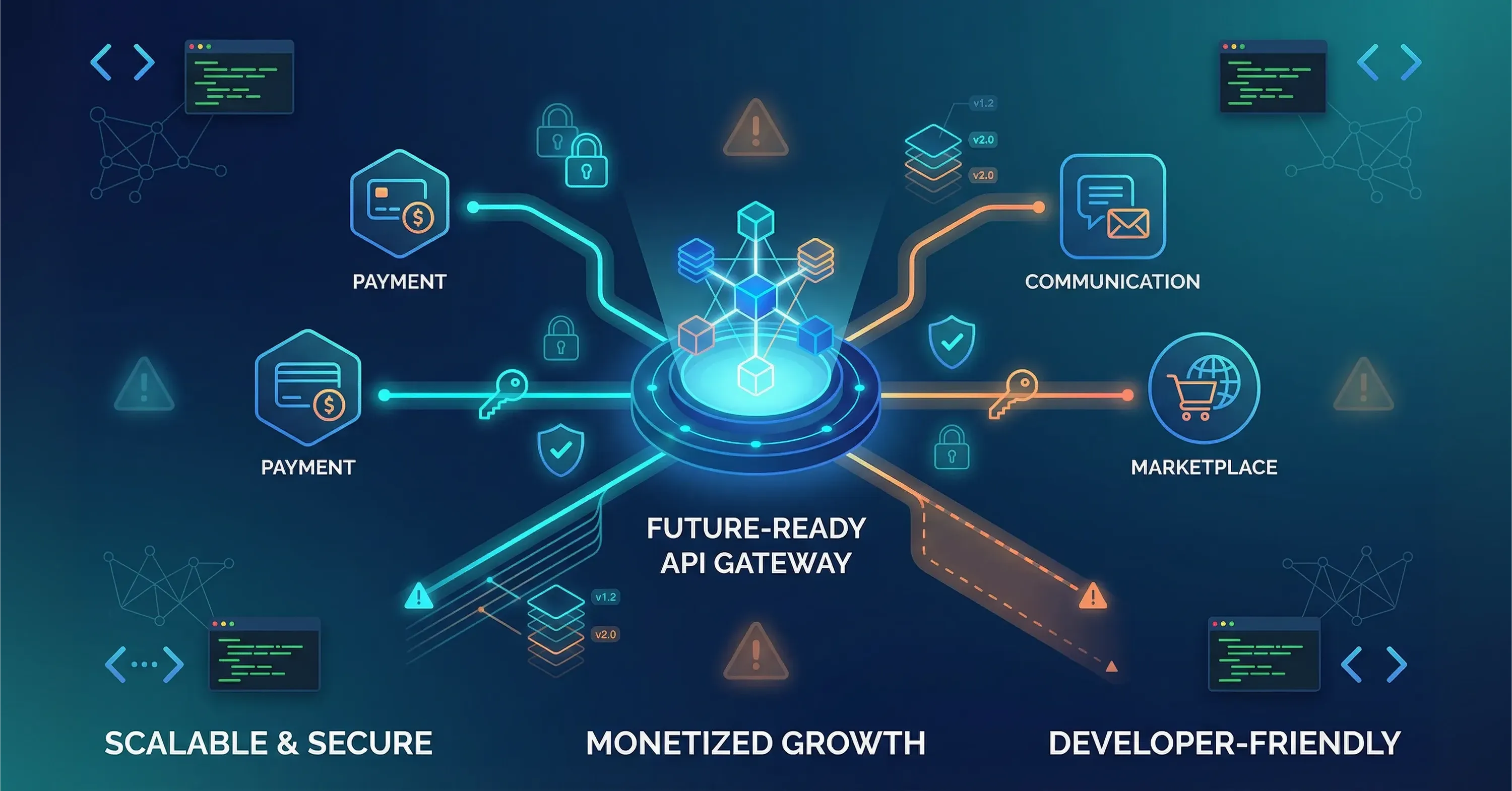
Public APIs are interfaces that let third parties tap your service or data securely. Why invest here? 65% of organizations that use APIs are currently generating revenue from their API programs. That is direct top-line impact.
Popular API clouds
Benefits
-
Monetize data and core competencies
-
Accelerate partnerships without custom integrations
-
Foster developer communities that build on your product
Risks
Small teams can adopt API gateways like Kong or Tyk for governance.
6. Cloud Libraries & SDKs: Accelerating Every Sprint
Cloud libraries and software development kits (SDKs) provide pre-tested code to call services quickly. They live on GitHub, package managers like NPM, or vendor dashboards.
Why they matter
-
Reduce boilerplate code across multiple languages
-
Enforce security standards by design
-
Speed up onboarding of new developers
Market momentum is strong: the global digital library segment is on track to reach $25.45 billion by 2034.
Checklist when choosing a library
-
Does it support long-term maintenance releases?
-
Are unit tests and code coverage public?
-
How vibrant is the issue tracker?
7. SaaS Integration Hubs: Glue for Disparate Apps
Tools such as Zapier, Make, and Mulesoft compose workflows across cloud and on-prem systems with minimal code. They shine for SMB owners who lack large engineering teams.
Core use cases
-
Sync e-commerce orders to accounting automatically
-
Trigger SMS alerts on inventory shortages
-
Centralize CRM, marketing, and ERP data
Selection tips
-
Check the catalog of supported connectors
-
Inspect role-based access controls for security
-
Review usage-based pricing tiers
8. Security & Governance Clouds: Protection Built In
Identity, encryption, and policy enforcement must scale with growth.
Top contenders
-
Okta for single sign-on and multi-factor authentication
-
HashiCorp Vault for secrets management
-
Prisma Cloud for unified threat detection
Governing frameworks should also cover APIs, because only 25% of organizations operate as fully API-first, leaving many companies exposed to ad-hoc interfaces.
Decision factors
Real-World Example
A leading provider of managed IT services employed Okta plus Vault across a multi-cloud estate for a midsize retailer. The retailer’s security audit time dropped from four weeks to nine days, freeing budget for new marketing initiatives.
For a detailed look at unified security best practices, zero trust, and compliance for modern cloud stacks, review Cloud Managed Security: Unified Security Strategy for Cloud and Hybrid Enviroinments.
With the principal cloud sources mapped out, the final step is choosing wisely.
How to Choose the Right Cloud Source
Choosing a cloud tool starts with the workload, not the vendor. Customer-facing apps, analytics, automation, and AI all require different levels of control, scale, and reliability. Small teams usually benefit from managed, proprietary services that reduce operational effort and speed up delivery. Open-source tools offer flexibility and lower lock-in but require stronger internal expertise. Always check compliance requirements, data location, and security certifications before committing. Finally, compare the full cost - not just pricing, but integration effort, maintenance time, and exit options. The best cloud source is the one that fits your current team and use case while keeping future changes affordable.
What Are Cloud Sources?
Cloud sources are the curated set of cloud-based infrastructure, platforms, public APIs, cloud libraries, SaaS tools, and governance services that an organization assembles to build, run, and secure digital products without owning physical hardware.
Conclusion
The cloud is no longer a single destination but a mix of complementary resources. Infrastructure clouds handle raw compute, cloud-native platforms streamline deployment, data and AI clouds uncover insights, public APIs create new revenue, cloud libraries speed coding, SaaS hubs knit everything together, and security clouds protect the castle. Use the checklist embedded in each section, verify vendor fit for your use case, and you will assemble a lean, future-proof tech stack that grows with your business.